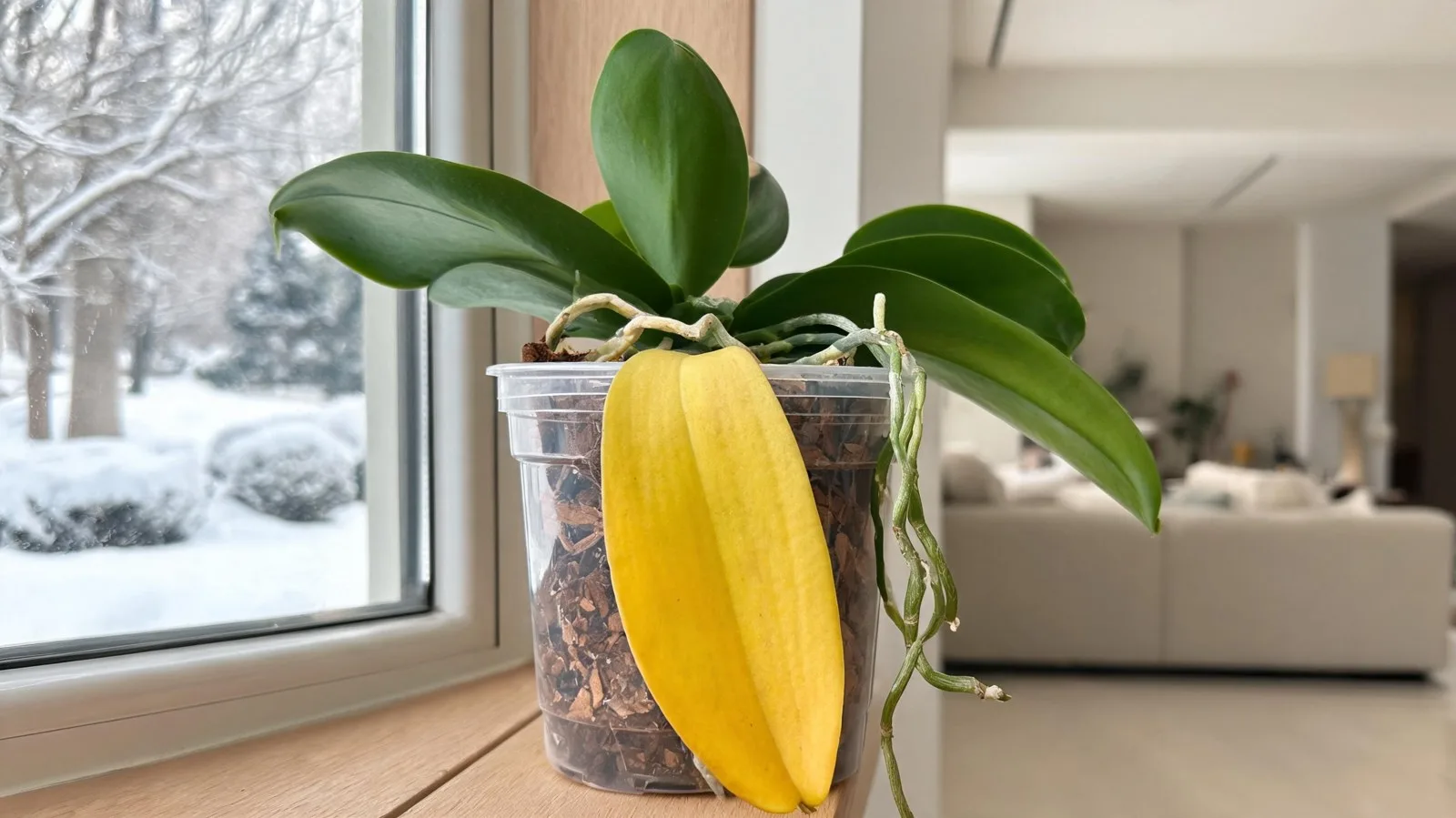
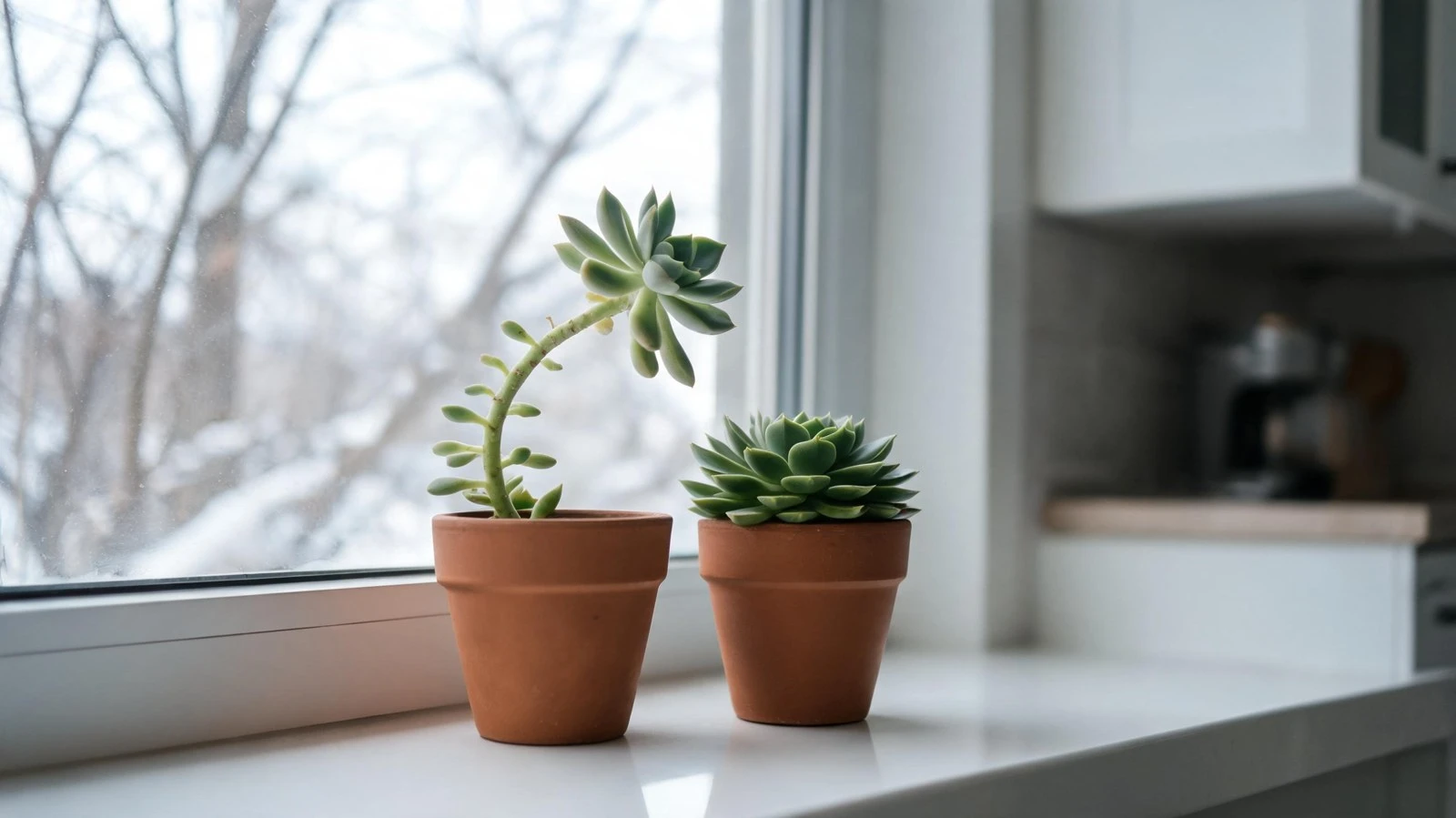
Short answer: an AI plant diagnosis tool looks at a photo of the leaves, compares the spots, colours and patterns with thousands of labelled examples, and tells you the most likely problem with simple treatment steps. It works best when the photo is sharp, taken in daylight, and shows the damaged part up close. You can try it free on our plant disease diagnosis tool — no sign-up needed.
This guide explains how these tools work, how to take a photo they can actually read, how to understand the result, and where AI still gets it wrong — so you treat the right problem instead of guessing.
A clear, close photo of the affected leaf gives the AI the best chance of a correct answer.
How AI plant diagnosis works
AI diagnosis tools are trained on large sets of plant photos that experts have already labelled — "powdery mildew on rose", "spider mite damage on money plant", "nitrogen deficiency in tomato" and so on. When you upload your photo, the model looks for the same visual clues a gardener would look for:
Colour: yellowing that starts at the edges, between the veins, or on whole leaves.
Spots and patches: round brown spots with a yellow ring, white powder, black sooty film, rust-coloured bumps.
Texture: crispy edges, soft mushy stems, curled or puckered leaves, fine webbing.
Where it appears: old lower leaves versus new top growth — this alone often separates a nutrient problem from a watering problem.
The tool then gives the most likely cause, sometimes with a confidence level, and suggests treatment. It is fast and useful, but it only sees what is in the picture — it cannot feel the soil or smell rotting roots. That is why the extra checks later in this guide matter.
How to take a photo the AI can read
Most wrong results come from bad photos, not bad tools. Follow these steps:
Use daylight. Stand near a window or go outside, but avoid harsh midday sun that bleaches colours. Do not use flash.
Get close to the problem. Fill most of the frame with one or two affected leaves. A photo of the whole balcony tells the AI very little.
Keep it sharp. Tap the screen to focus on the leaf and hold the phone steady.
Show both sides if you can. Many pests — mealybugs, spider mites, whiteflies — hide under the leaf.
Take a second photo of the whole plant. It helps you (and the tool) see whether the damage is on old leaves, new leaves or everywhere.
Common problems AI tools recognise well
What you see
Likely problem
First step
White powder on top of leaves
Powdery mildew (fungus)
Remove worst leaves, improve air flow, spray diluted neem oil in the evening
Brown spots with a yellow ring
Fungal or bacterial leaf spot
Cut affected leaves, stop wetting the leaves when watering
Fine webbing, tiny dots, dull leaves
Spider mites
Wash leaves with water, especially the underside; repeat every few days
White cottony clusters in leaf joints
Mealybugs
Wipe off with cotton dipped in rubbing alcohol, then neem spray
Lower leaves yellow, soil always wet
Overwatering / root rot
Stop watering, check roots, repot in fresh dry mix if roots are mushy
Treat the AI result as a strong first opinion, not a final verdict. Before you spray anything or repot, check these three things yourself:
Soil moisture: push a finger 2–3 cm into the soil. Wet and smelly soil points to overwatering even if the AI says "nutrient deficiency".
Roots: if the plant is wilting in wet soil, slide it out of the pot. Healthy roots are firm and light-coloured; rotten roots are brown, soft and smell bad.
Recent changes: a new spot, a cold night, repotting, or fertiliser in the last two weeks often explains sudden symptoms.
If the tool gives two or three possible causes, start with the one that is cheapest and safest to fix — usually correcting watering and light — and watch new leaves for a week. New growth tells you whether the fix is working; damaged old leaves will not turn green again.
Yellow leaves are the most common confusion. If that is your problem, our step-by-step guide on fixing yellow leaves on indoor plants walks through each cause.
Check new growth a week after treatment to confirm the diagnosis was right.
Where AI diagnosis struggles
Root problems: root rot, root-bound plants and soil pests are hidden. The leaves only show general stress.
Several problems at once: a plant weakened by overwatering often gets fungus too. The tool may name only one.
Rare plants and early symptoms: the less common the plant and the smaller the damage, the lower the accuracy.
For common, clearly visible problems like powdery mildew, leaf spot or mealybugs, it is usually reliable with a good photo. It is less reliable for root problems, early symptoms and rare plants, so always check soil and roots before major treatment.
Is there a free AI plant doctor?
Yes. Our plant diagnosis tool is free and needs no account. Several apps also offer free scans with limits.
Can AI tell if my plant is overwatered?
It can spot the signs — yellow lower leaves, drooping in wet soil, black stem base — but only you can confirm it by feeling the soil and checking the roots.
What photo works best for diagnosis?
A sharp, close photo of one or two affected leaves in natural daylight, plus one photo of the whole plant. Avoid flash and blurry zoomed-in shots.
Can AI diagnose pests too?
Yes, visible pests such as mealybugs, aphids, whiteflies and scale insects are easy to recognise. Very small pests like spider mites are easier to detect from the webbing and speckled leaves they leave behind.