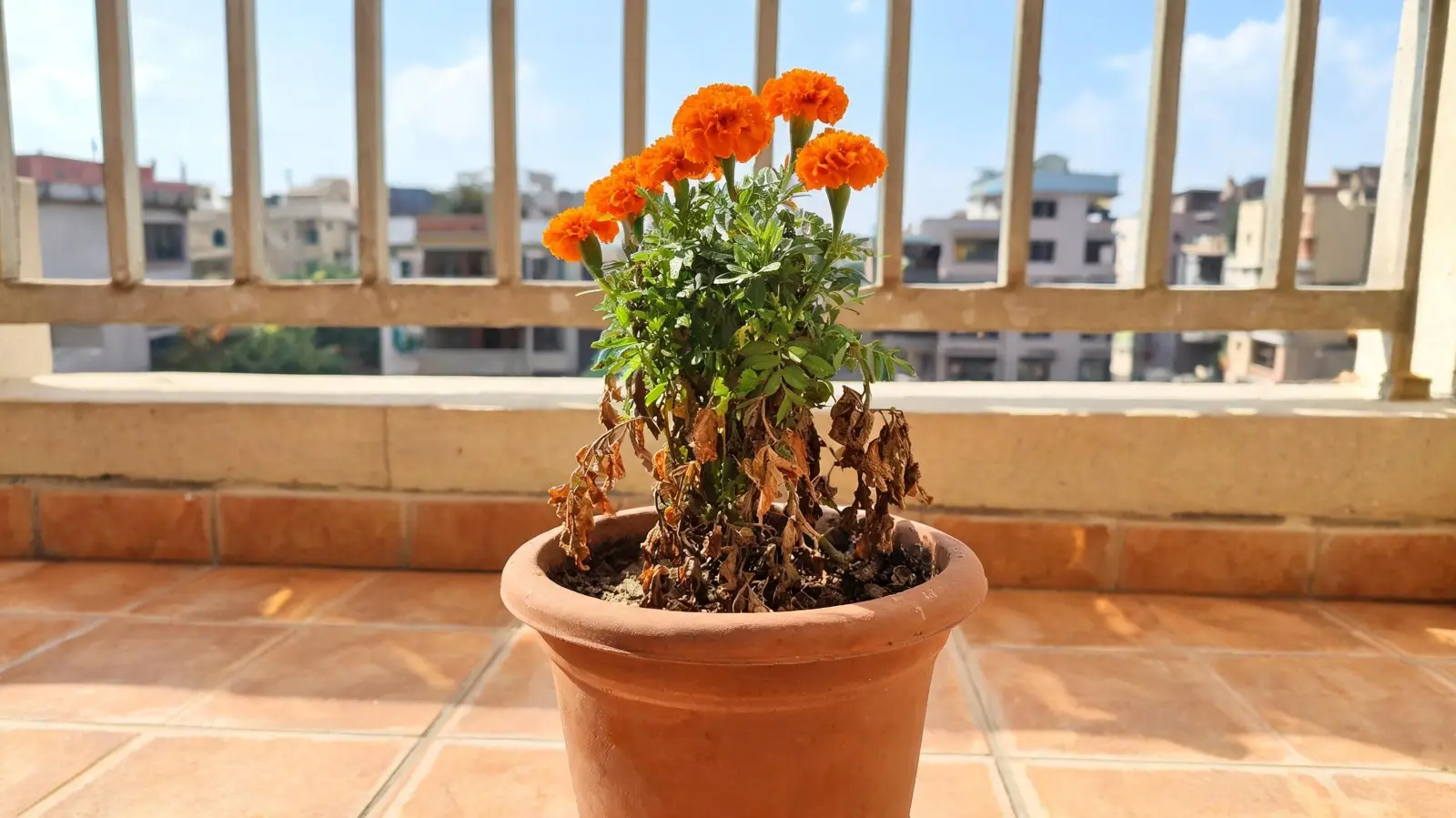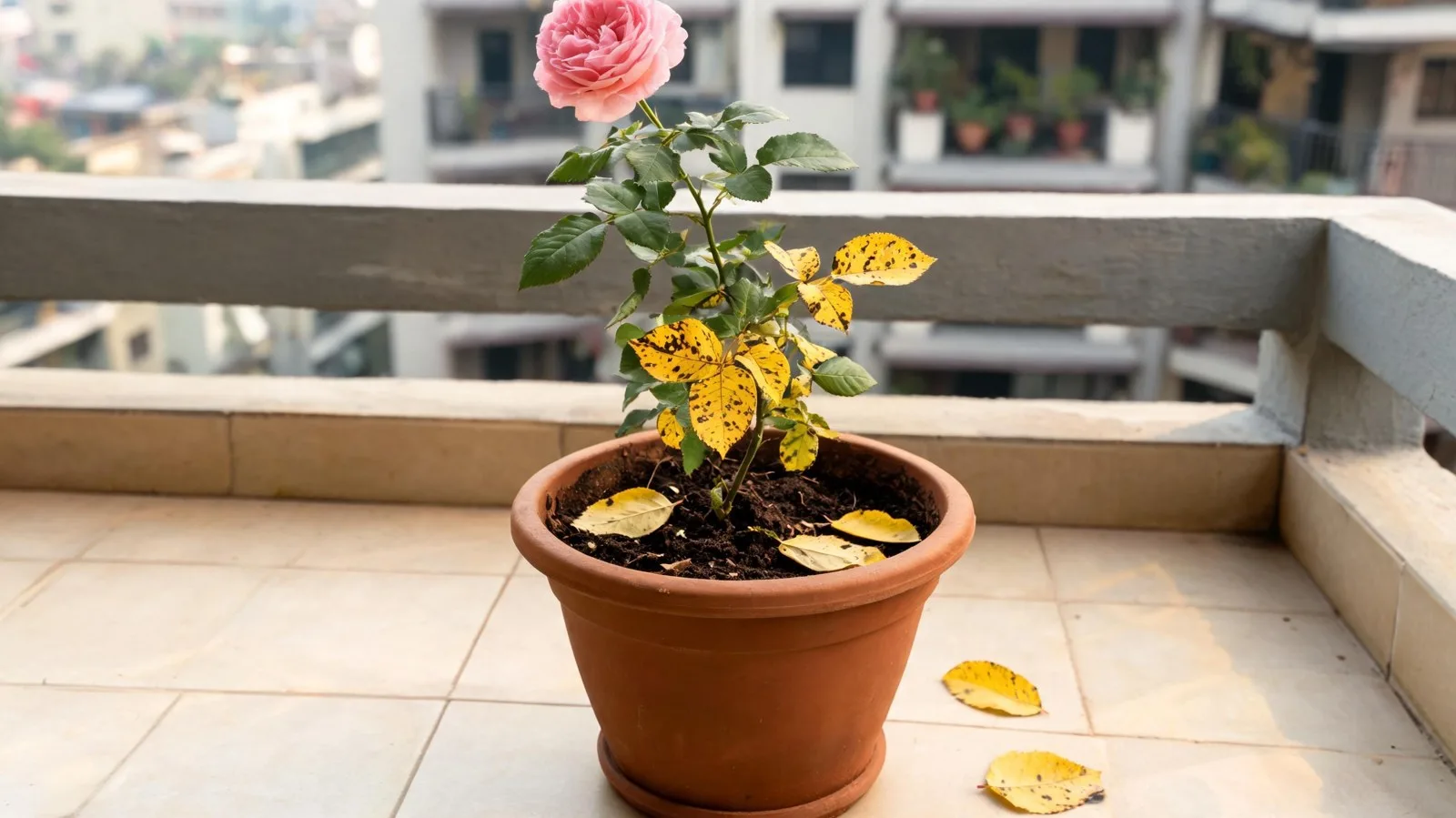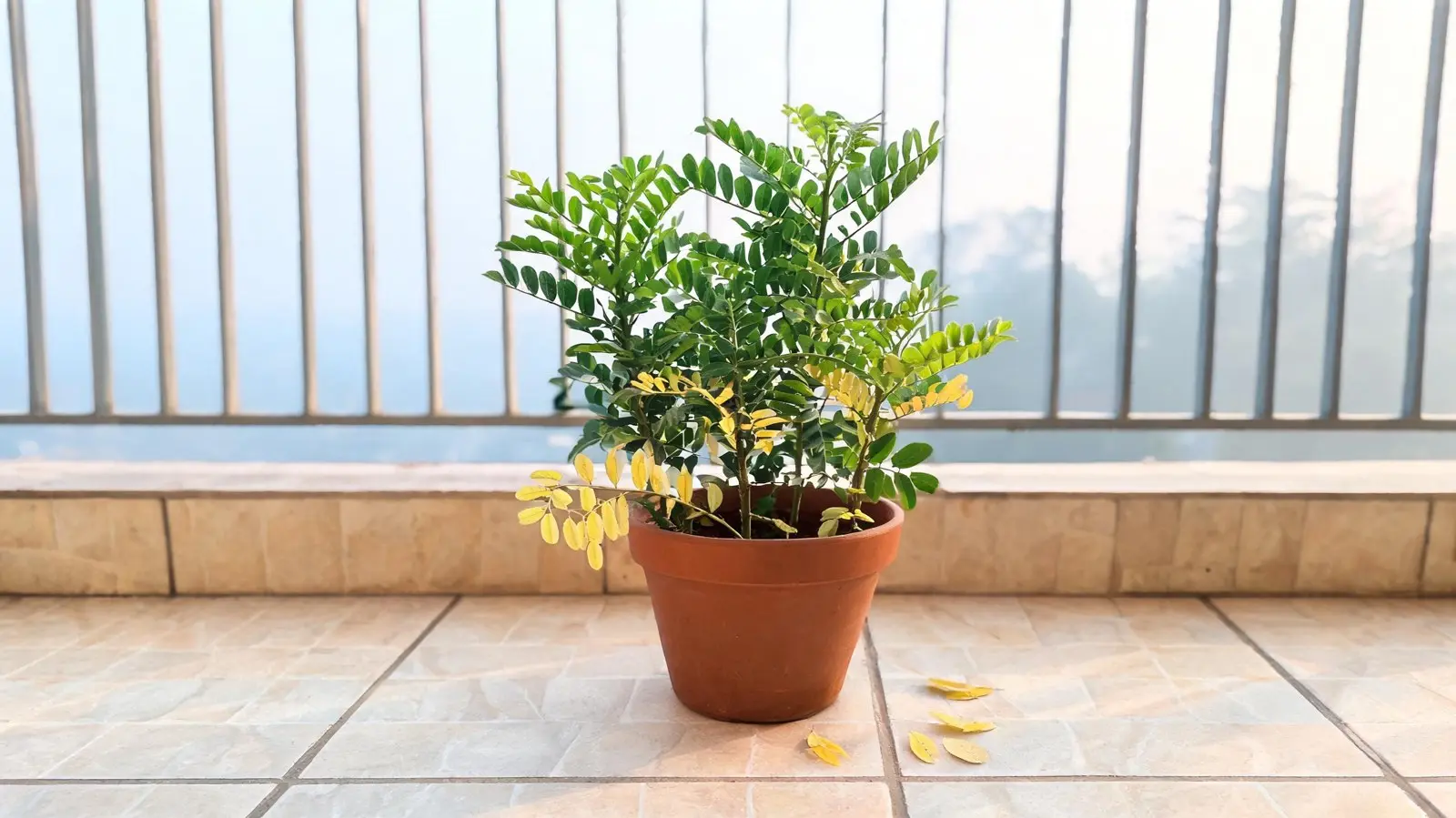
Short answer: open the Google app, tap the Live icon below the search bar, turn on the camera with the video button, point it at your plant, and ask out loud, "What's wrong with my plant and how do I fix it?" Search Live lets you talk back and forth in real time, in English, Hindi and many other languages, and shows web links you can open. For a written result with treatment steps from a photo, you can also use our free plant diagnosis tool.
What is Search Live?
Search Live is a feature of AI Mode in the Google app. Instead of typing, you have a voice conversation with Google, and you can share your phone's camera so it can see what you are looking at. It started in the US in 2025, reached India in October 2025 in English and Hindi, and in March 2026 Google expanded it to every country and language where AI Mode is available — more than 200 countries and territories. For plants, that means you can show a yellowing leaf or a pest and ask follow-up questions like you would ask a person at a nursery.
The exact buttons can change as Google updates the app, so if you cannot see the Live icon, update the Google app and check that AI Mode is available on your account.
Step by step: using Search Live for your plant
- Open the Google app on Android or iPhone (not just the browser) and make sure it is updated.
- Tap the Live icon below the search bar. Follow the on-screen setup the first time.
- Turn on the camera by tapping the video icon. If Google Lens is already open, tap the Live option at the bottom of the screen instead.
- Show the problem. Hold the phone 15–25 cm (6–10 inches) from the affected leaves in daylight. Turn a leaf to show its underside.
- Ask your question. Speak naturally: "What plant is this, and why are the leaves turning yellow?"
- Ask follow-ups. Mention what you see that the camera may miss: "The soil stays wet for days" or "It gets afternoon sun."
- Open the links Google shows to read more, then tap Exit when you are done.
Tips for a clear camera view
- Light: stand near a window or step outside. Dim indoor light hides colours and spots.
- Distance: start with the whole plant so Google knows what it is, then move closer to the problem area.
- Slow movement: move the camera slowly and pause on each area for a second or two.
- Show the soil: point the camera at the soil surface too — mould, crust or cracks are useful clues.
- Background: if several plants are behind, hold a sheet of paper behind the leaf so the camera focuses on one plant.
Good questions to ask
- "What plant is this?"
- "Are these spots a fungus or a pest?"
- "Is this overwatering or underwatering?"
- "Is this white stuff on the soil harmful?"
- "How much sun does this plant need on my balcony?"
- "Is this plant safe for cats?"
Troubleshooting by symptom
| What you show | What to tell it | Our detailed guide |
|---|---|---|
| Yellow leaves | How often you water, whether the soil is wet | Fix yellow leaves |
| Brown, crispy edges | Sun exposure and recent heat | Heat stress in plants |
| Wilting plant | Whether the soil is wet or dry | Save a dying plant |
| Spots or powder on leaves | Weather (humid, rainy) and how it spread | Common plant diseases |
| White fluff on soil | How often you water, light level | White fungus on soil |
| Slow or no growth | Season, pot size, light | Help plants grow faster |
Always double-check before acting
Search Live is helpful, but it only sees what the camera shows. Before you spray, cut roots or repot:
- Feel the soil 2–3 cm deep. Wet soil and drooping leaves usually mean overwatering, whatever the answer says.
- Check under the leaves for pests.
- Start with the safest fix — adjust watering and light first.
- Be careful with sprays. Test on one leaf, spray in the evening, and keep away from children and pets.
- For anything you eat (herbs, vegetables), wash well and wait several days after spraying.
Search Live vs a photo diagnosis tool
| Search Live | Photo diagnosis tool | |
|---|---|---|
| How you use it | Voice conversation with live camera | Upload one photo |
| Best for | Back-and-forth questions, quick advice | A clear written result to save and follow |
| Needs | Google app, AI Mode, stable internet | Any browser |
Many people use both: Search Live to talk through the problem, and our plant diagnosis tool for a written result. If you only need the plant's name, use our plant identifier or read how to identify any plant from a photo.
Frequently asked questions
Is Search Live free?
Yes, it is part of the free Google app where AI Mode is available.
Is Search Live available in my country?
Since March 2026, Search Live works wherever AI Mode is available — more than 200 countries and territories. If you can't find it, update the Google app; new features can take a few days to reach every account.
Does Search Live work in Hindi?
Yes. It launched in India in English and Hindi, and it now works in every language AI Mode supports.
Why can't I see the Live button?
Update the Google app and check that AI Mode is available for your account. Features roll out gradually.
Can Search Live identify plants?
Yes. Show the plant on camera and ask "What plant is this?". Google Lens can also identify plants from a photo.
Is the advice always right?
Not always. Use it as a starting point, check the soil and roots yourself, and begin with the safest fix.