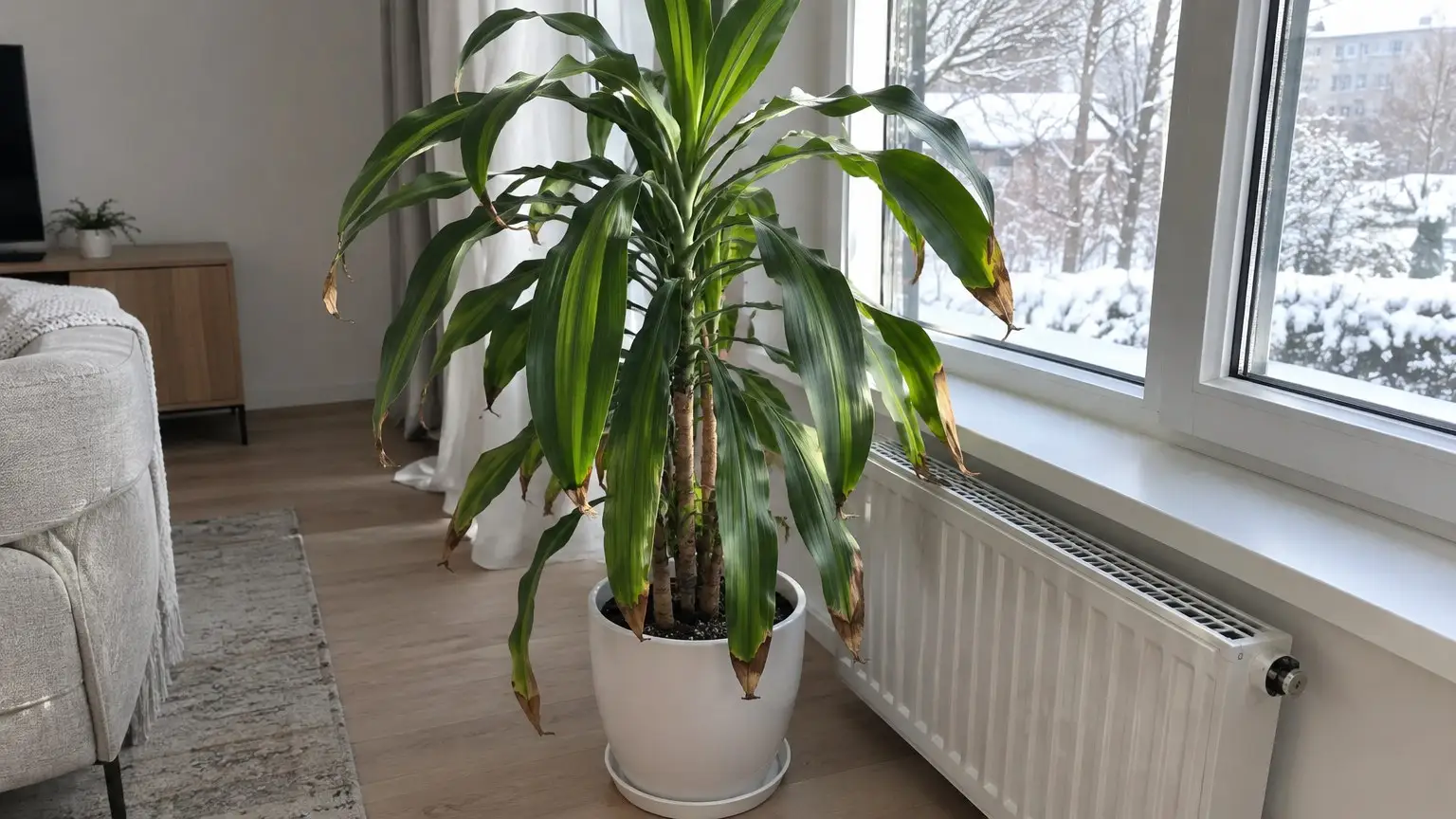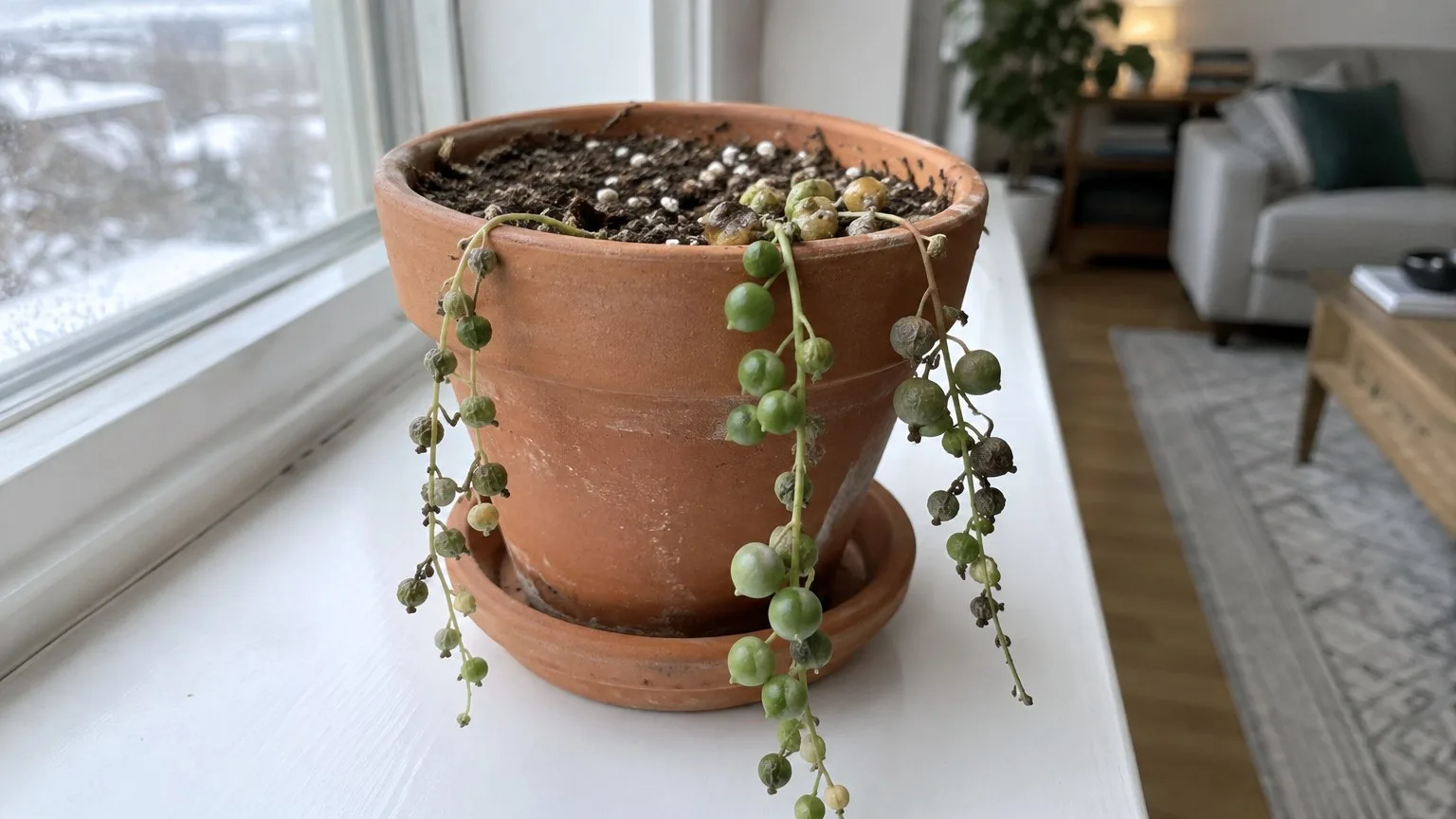
Short answer: Plant Solution is a free website that helps home gardeners in three ways: the Plant Identifier tells you a plant's name from a photo, the Plant Diagnosis tool spots likely diseases, pests and care problems from a photo of the affected leaves, and the care schedule gives a simple watering, sunlight and feeding routine for your plant. There is no sign-up, and it works on any phone browser.
What you can do with Plant Solution
| Tool | What it does | Use it when |
|---|---|---|
| Plant Identifier | Names the plant from a photo and gives basic care tips | You got a plant without a label, or saw one you like |
| Plant Diagnosis | Finds the likely disease, pest or care issue and suggests treatment | Leaves are yellowing, spotting, curling or drooping |
| Care schedule | A day-wise routine for watering, sunlight and fertiliser for that plant | You want a simple routine to follow |
| Plant care guides | Step-by-step articles on common problems and growing plants in Indian homes | You want to understand the "why" and learn more |
How to use it: step by step
- Pick the tool. Open the identifier if you want the plant's name, or the diagnosis tool if the plant looks unhealthy.
- Upload a photo. For identification, use a healthy leaf or flower. For diagnosis, photograph the damaged area up close.
- Tap Identify or Diagnose. The image is analysed in a few seconds.
- Read the result. You get the plant name or the likely problem with care or treatment steps.
- Get the care schedule for an ongoing routine.
Tips for photos that give accurate results
- Use natural daylight; avoid flash and harsh midday glare.
- Photograph one plant at a time and fill the frame.
- For diagnosis, show the problem clearly — spots, powder, pests or yellowing — and include the underside of the leaf if pests may be hiding there.
- Keep the photo sharp: tap to focus and hold still.
Our guides on identifying any plant from a photo and AI plant diagnosis go into more detail.
What the diagnosis tool can and cannot do
AI diagnosis is good at visible problems: powdery mildew, leaf spot, rust, mealybugs, aphids, sunscald and many nutrient problems. It cannot see roots, so for drooping plants it helps to also check the soil and roots yourself. Treat the result as a strong first opinion. If the plant does not improve after following the advice for a week or two, upload a new photo of the new growth or read our guide on saving a dying plant.
An example: a money plant with yellow leaves
Say your money plant has a few yellow lower leaves. Here is how to use the site from start to finish:
- Take a close daylight photo of one yellow leaf and the stem around it, plus one photo of the whole plant.
- Upload the close photo to the diagnosis tool. A typical result for this case is overwatering or a nutrient shortage, with steps to fix it.
- Before acting, push a finger into the soil. If it is wet two days after watering, overwatering is the likely cause — let it dry out and empty the saucer.
- Use the care schedule to set a watering routine based on the plant, and check the soil before each watering.
- Read the matching guide — here, money plant leaves turning yellow — for the full list of causes.
- Watch the new leaves over the next two to three weeks. Healthy new growth means the fix worked.
Popular guides to start with
- Yellow leaves on indoor plants: 7 causes and fixes
- Tulsi plant drying: how to revive it
- Money plant leaves turning yellow
- 10 common plant diseases and natural treatments
- Best indoor plants for low-light homes
- Common indoor plant problems and how to fix them
Who it is for
- Beginners who are not sure what plant they have or why it is unhappy.
- Balcony and terrace gardeners growing herbs, vegetables and flowers in pots.
- Anyone with houseplants who wants quick answers without installing an app.
The guides focus on Indian conditions — hot summers, the monsoon and north Indian winters — because that is where most of our readers garden.
Privacy
You do not need an account. Upload only plant photos, and avoid including people or personal information in the frame. See our privacy policy for details on how images are handled.
Frequently asked questions
Is Plant Solution free?
Yes. The identifier, diagnosis tool, care schedule and guides are free to use, with no sign-up.
Do I need to install an app?
No. It works in the browser on phones and computers.
How accurate is the plant identifier?
It is accurate for common plants with a clear photo, especially with flowers. If the result looks wrong, try a photo of a different part of the plant.
Can it diagnose root rot?
It can spot the signs on leaves, such as yellowing and drooping, but you should confirm by checking whether the soil is wet and the roots are soft and brown.
Which plants does it support?
Most common houseplants, garden flowers, herbs, vegetables and many trees.
Try it now
Have a plant in front of you? Identify it or check its health in a few seconds.